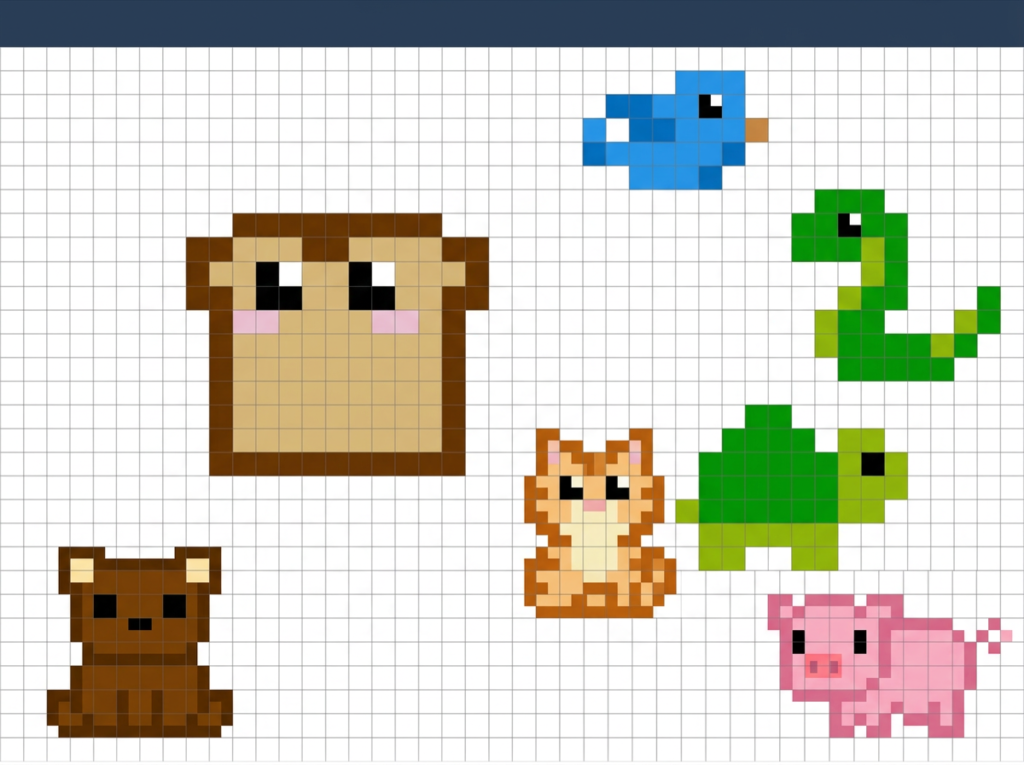
Ready to bring your retro vision to life? Open the pixel art editor now and start creating beautiful pixel art directly in your browser.
Create Pixel Art Online with a Free and Powerful Web Editor
Pixel Art Maker is a lightweight, fully browser-based editor designed for anyone who wants to create crisp, retro-style pixel art without downloading or installing any software. Whether you’re a game developer making sprites, a designer crafting icons, or a hobbyist exploring digital art, this tool gives you everything you need right in your browser.
Key Features Pixel Art Editor:
- Intuitive Drawing Tools — Use a precise pencil for detailed work, a fill tool for quick coloring, an eraser, color picker, and more. Every tool is optimized for pixel-perfect control.
- Layer Support — Work with multiple layers to organize your artwork, separate elements, and experiment freely without ruining previous progress.
- Advanced Color Management — Choose colors from an intuitive palette, add custom colors, and switch between them effortlessly.
- Zoom and Grid — Zoom in for fine details and enable a customizable grid to maintain perfect alignment and proportions.
- Undo / Redo History — Freely experiment knowing you can step back at any moment.
- Flexible Canvas — Start with a blank canvas of any size that suits your project — from small icons to larger sprites or scenes.
- Fast Export Options — Save your finished artwork as high-quality PNG files, ready for use in games, websites, or print.
The clean and distraction-free interface makes the creative process smooth and enjoyable for both beginners and experienced pixel artists. No account registration is required — simply open the tool and start drawing immediately.
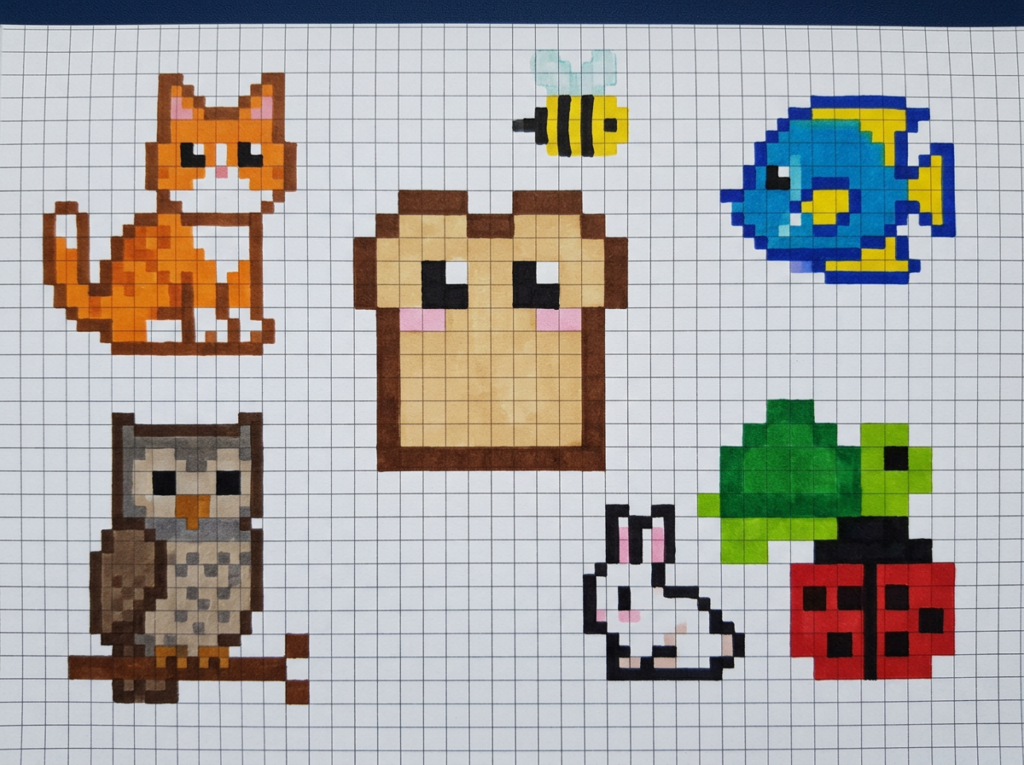
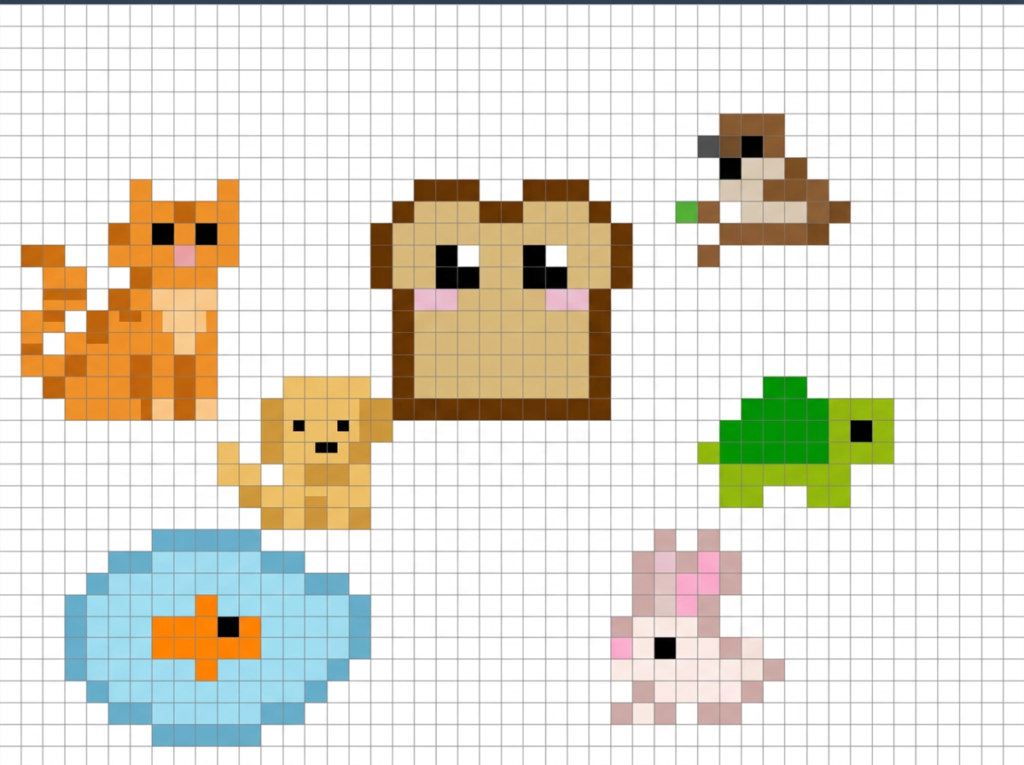
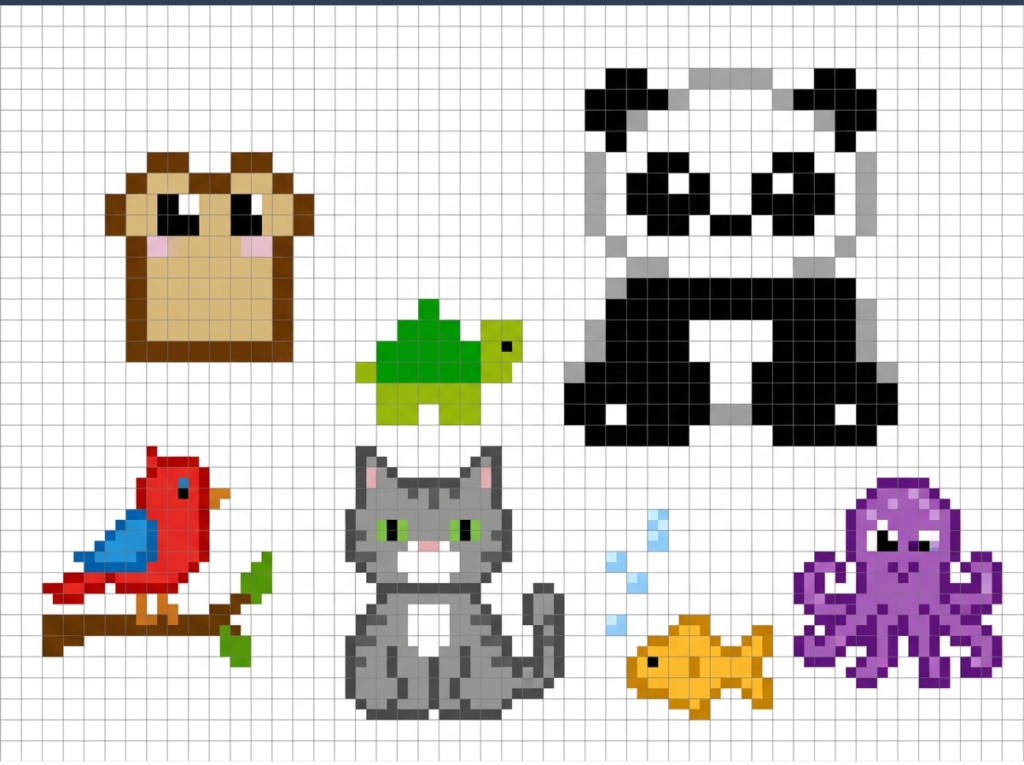
Examples of pixel art from our service
Our artists shared their pixel art creations.
Why Choose This Pixel Art Editor?
In a world full of complex design software, Pixel Art Tool stands out for its simplicity and focus. It loads instantly, runs smoothly even on modest devices, and delivers professional-grade precision without unnecessary features that slow you down.
It’s especially useful for:
- Creating game assets and character sprites
- Designing retro-style icons and UI elements
- Making animated frames or tile sets
- Learning the fundamentals of pixel art
- Quick prototyping of visual ideas
Best of all, it’s completely free to use with no hidden limits or watermarks.
What is pixel art?
Pixel art is a digital art style where every single pixel is placed and edited individually on a grid. It creates a crisp, blocky, retro aesthetic that reminds people of classic 8-bit and 16-bit video games. This style is widely used for indie game sprites, icons, animations, and nostalgic digital illustrations. Unlike regular digital painting, pixel art requires precise control — no brushes, blurs, or automatic filters.
How to make pixel art?
Making pixel art is simple, especially with the right tool. Here’s a quick guide using our free online editor:
Open the editor on artofpencil.com/pixel-drawing-online/ — no signup or download needed.
Choose your canvas size (any size you want — from tiny icons to larger sprites).
Select the Pencil tool for precise drawing, the Fill tool to color large areas quickly, or the Eraser.
Pick colors from the intuitive palette or add your own custom colors.
Use layers to organize your work (background, character, effects, etc.).
Zoom in and enable the grid for perfect pixel alignment.
Draw, shade, and refine — use Undo/Redo as much as you like.
When finished, export your artwork as a high-quality PNG file.1
Our tool is designed to be lightweight and distraction-free, so you can focus on creating crisp retro-style pixel art instantly. What is ArtOfPencil Pixel Drawing Online?
It’s a completely free, browser-based pixel art editor. You can start drawing professional-looking pixel art right in your browser without installing anything or creating an account. It offers intuitive tools, multiple layers, custom colors, zoom, grid, and fast PNG export — perfect for quick sketches or serious game assets.
Is the pixel art tool really free?
Yes! The entire tool is completely free to use. There are no hidden fees, no watermarks, and no registration required. You can create and export as many pixel art pieces as you want.
Do I need to download or install anything?
No. Everything runs directly in your web browser. Just open the page and start drawing immediately. It works on desktop, laptop, and most modern tablets/phones.
How do I export my pixel art?
Once you’re happy with your drawing, simply click the export button to download your work as a high-quality PNG file. The pixels stay crisp and ready for use in games, websites, or other projects.
Can I use the pixel art I create commercially?
Yes. All artwork you create with our tool belongs to you. You are free to use it in personal projects, indie games, commercial products, or anywhere else.
( 1 оценка, среднее 1 из 5 )